

What app should you use to track your winter arc?
In short
To track a winter arc, anything works as long as it makes you check off your rules every day and shows your progress at a glance. A dedicated app adds reminders, week tracking and automatic step counting. Winterarc, free on iPhone, does all of that with 9 ready-to-go rules.
What you need to last 90 days
A winter arc tracker has to do five things:
- let you check off your day in under a minute;
- show you your week at a glance;
- remind you of your rules at night, when some are still left to check;
- keep your rules exactly as you signed them on day 1;
- tell you what happens when you miss a day.
Everything else is a bonus.
The options, from paper to app
| Tool | Pros | Cons |
|---|---|---|
| Printed sheet | Free, in plain sight on the fridge or your desk | No reminders, doesn’t count steps, stays at home |
| Notion or a spreadsheet | Endlessly customizable | Slow to open on a phone, easy to change along the way |
| Habit tracker app | Reminders, streaks | You set it all up yourself, nothing ends at day 90 |
| Winter arc app | Rules ready to go, days and weeks counted for you | Less freedom if you want to customize everything |
Paper works great if you check off every night in the same spot. With a tool that’s too flexible, like a spreadsheet, a rule changes in two clicks, and on the first tired night, the temptation is right there.
What Winterarc does
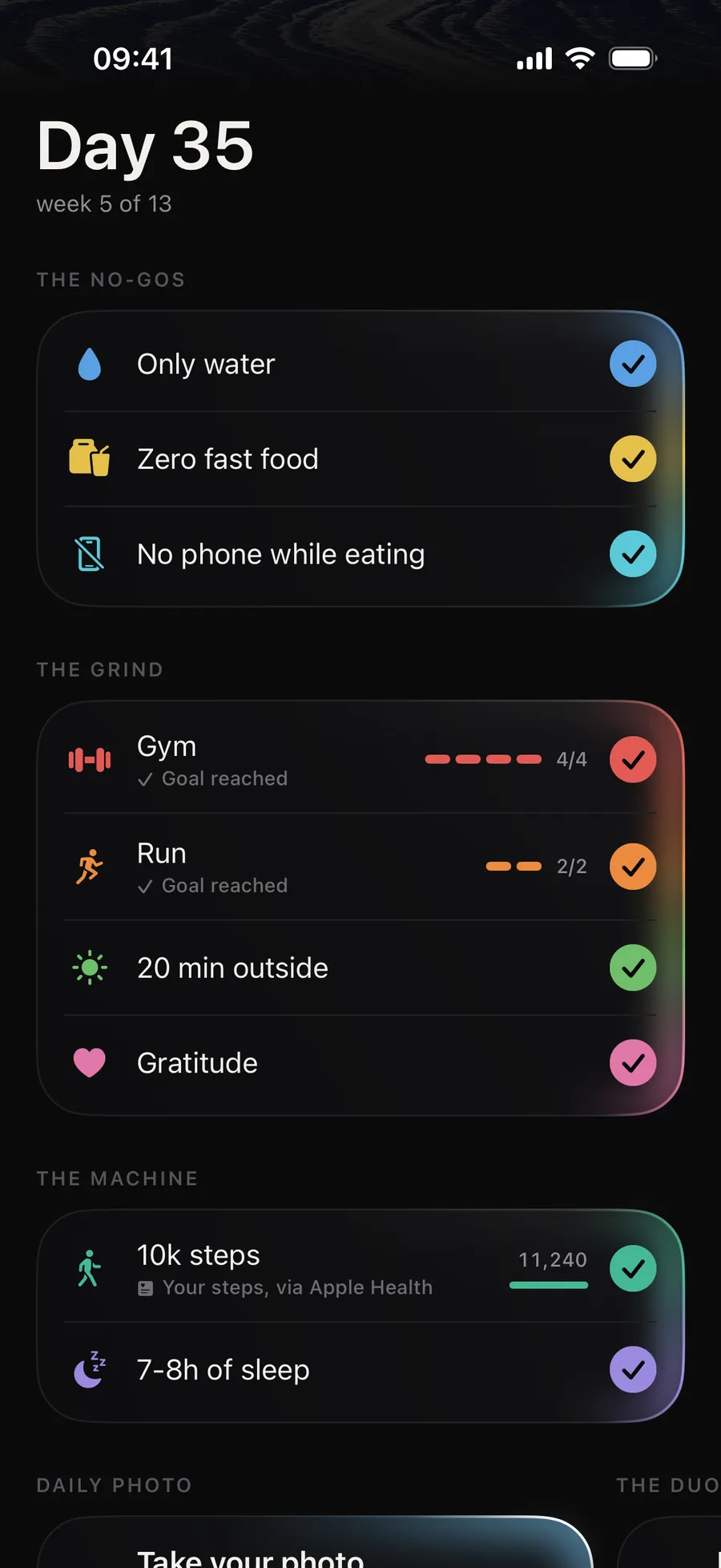
We built Winterarc as a contract. You sign 9 rules by holding down a button, and you stick to them for 90 days.
Every night, you check off your rules with a long press. Gym and Run show your count for the week, and your steps count themselves.
- Only water
- Zero fast food
- No phone while eating
- Gym
- Run
- 20 min outside
- Gratitude
- 10k steps
- 7-8h of sleep
- The 9 rules, ready on day 1. Only water, zero fast food, no phone while eating, the gym 4 times a week, running 2 times a week, 20 minutes outside, one gratitude, 10,000 steps, 7 to 8 hours of sleep.
- The flame. Every week you keep lights your flame: every day full, Gym and Run done by Sunday. Your first missed week is covered by the freeze; on the second, the flame goes out, and the winter arc keeps going until day 90.
- Steps that count themselves. If you connect Apple Health, the app reads your step count and checks off the 10,000-step rule without you lifting a finger.
- Reminders. One in the morning, one at night if you still have rules to check off, one on Sunday. Before your start, a countdown and a reminder every night until the day before.
- Day 1 and day 90 photos. They stay hidden until the end, for the last-day comparison, and they never leave your phone.
- The 90-day grid. Every square is a day: at a glance, you see your full weeks, your freeze and how far you have left to go.
- Your story on days 7 and 30. Your day, your grid and your stats in story format, on an illustration, on your own photo or with no background, ready to post in one tap.
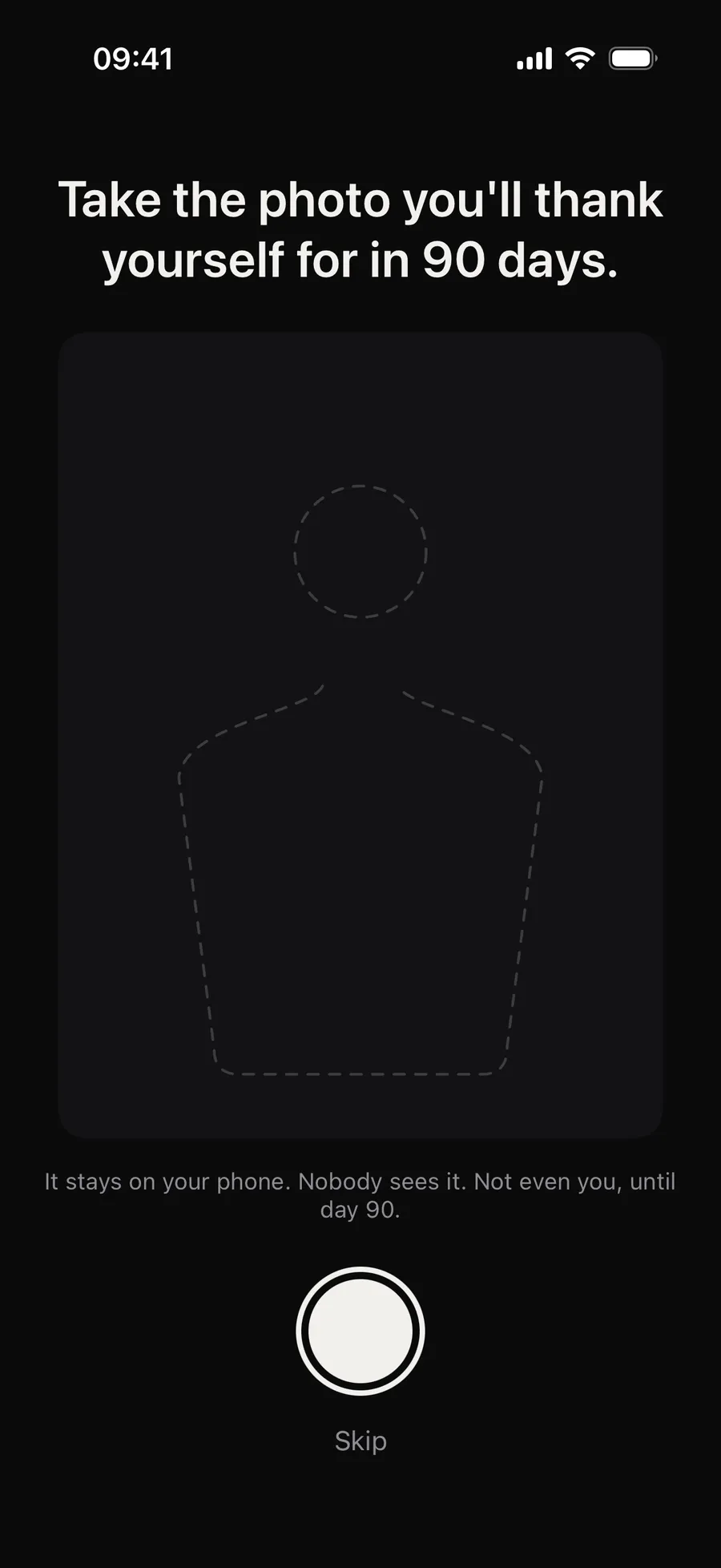
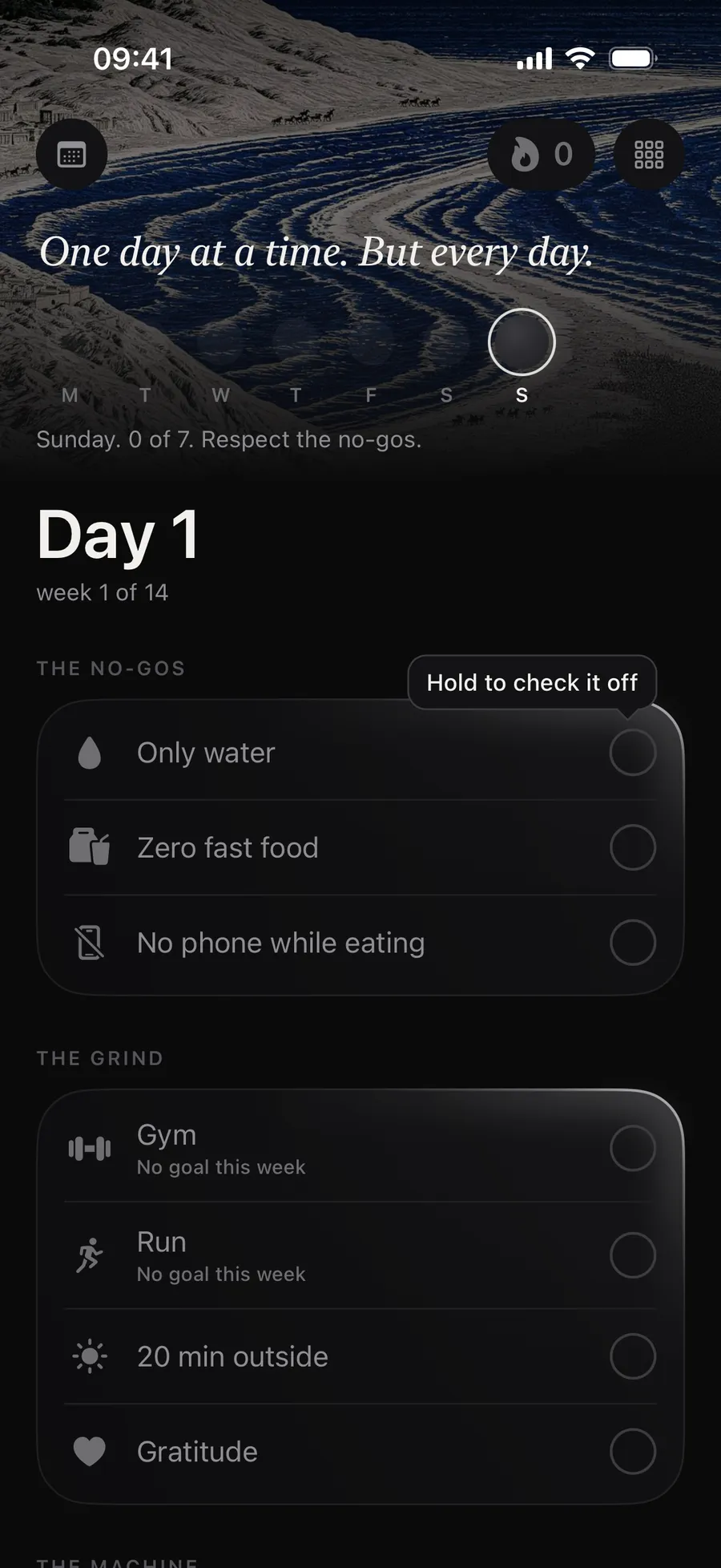
Winterarc is free. The Pro subscription, monthly or yearly, lets you customize the rules (remove some, add some, change a goal, from 3 to 12 rules), apply ready-made programs and add widgets. The app runs on iPhone with iOS 17 or later, in French, English, Spanish, Italian and German, and you sign in with Apple or Google, no password.
As of September 27, 2026, more than 2,500 people had signed their winter arc in it.
Start your winter arc in the app
- Download Winterarc from the App Store.
- Pick your start date: the next group start (Sunday, November 1, 2026, then Friday, January 1, 2027), today, or another day.
- Read your 9 rules and sign by holding down the button.
- Allow Apple Health for your steps and notifications for your reminders.
- Check off your day every night. Anything you check before 3 a.m. still counts for the day before.
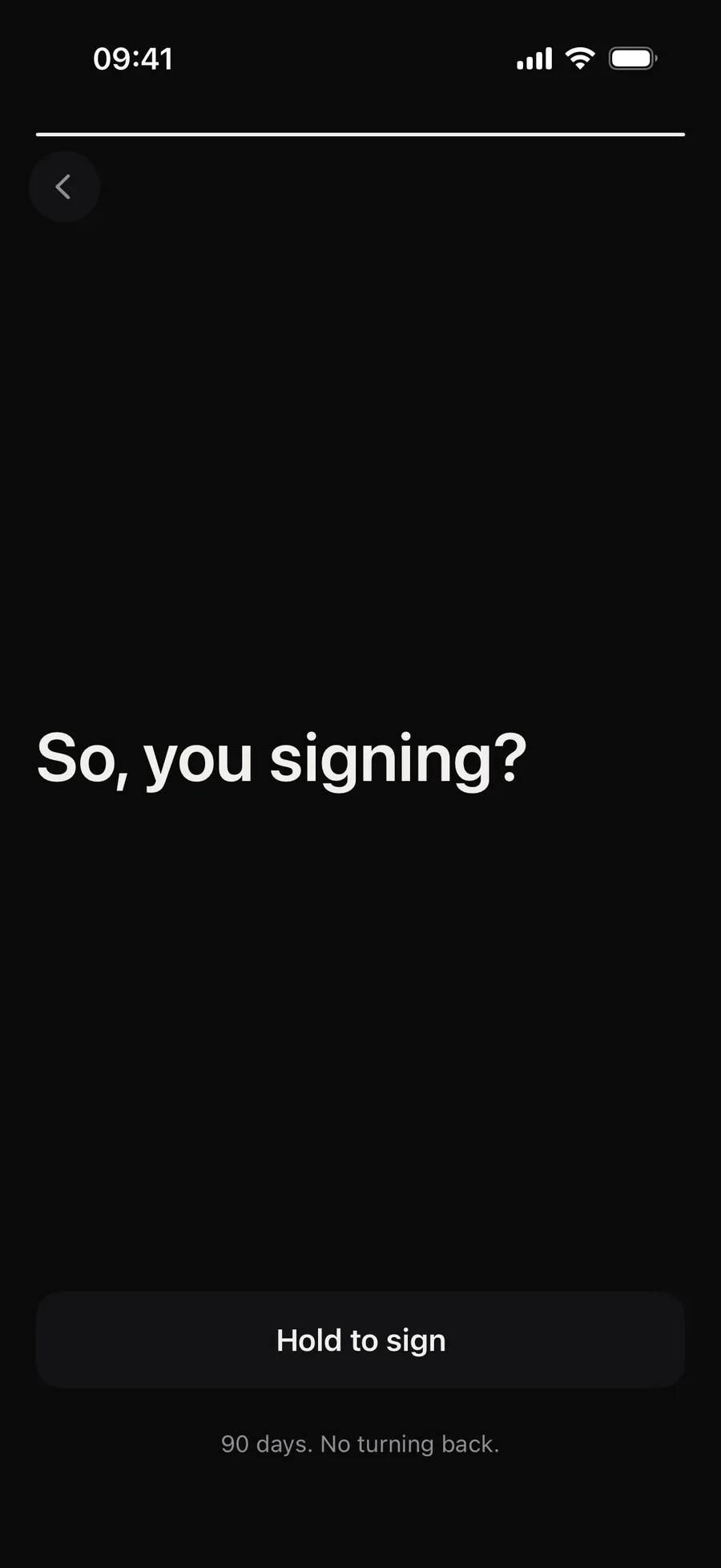
If you’d rather go with paper, copy the 9 winter arc rules into a 90-square grid and check them off every night.
Frequently asked questions
Is Winterarc free?
Yes. The 9 rules, the flame, tracking, photos and sharing are free. The Pro subscription, monthly or yearly, lets you customize the rules, apply ready-made programs and add widgets.
Is Winterarc available on Android?
Not for now. The app is only available on iPhone, with iOS 17 or later. On an Android phone, leave your email at winter-arc.fr/app to hear when it's out.
Are my photos uploaded to a server?
No. Your day 1 and day 90 photos stay on your phone. You sign in with Apple or Google, no password.
Can I use Winterarc if I start after October 1?
Yes. You pick your start date when you sign, and the app counts 90 days from there. It also offers the next group start: November 1, then January 1.